
Add a scroll-triggered floating button to any Squarespace section and trigger slide-outs, drawers and pop-ups
Too often, we direct visitors to another page because we don't want to overwhelm them with too much information on the current page. That can lead to a higher bounce rate and loss of engagement.
With this plugin, when visitors scroll into a designated section, a customizable floating button appears at the bottom of the screen. Clicking the button opens the content (video included) from any hidden section on your page—perfect for detailed product/service information, testimonials, lead magnets, portfolios, or any content you want to highlight without cluttering your main page flow.
When they close the content, visitors remain on the same page.
When visitors scroll into a designated section, a customizable floating button appears at the bottom of the screen. Clicking the button opens a predefined slider or pop-up that displays content from any hidden section on your page—perfect for detailed product/service information, testimonials, lead magnets, portfolios, or any content you want to highlight without cluttering your main page flow.
Options
-
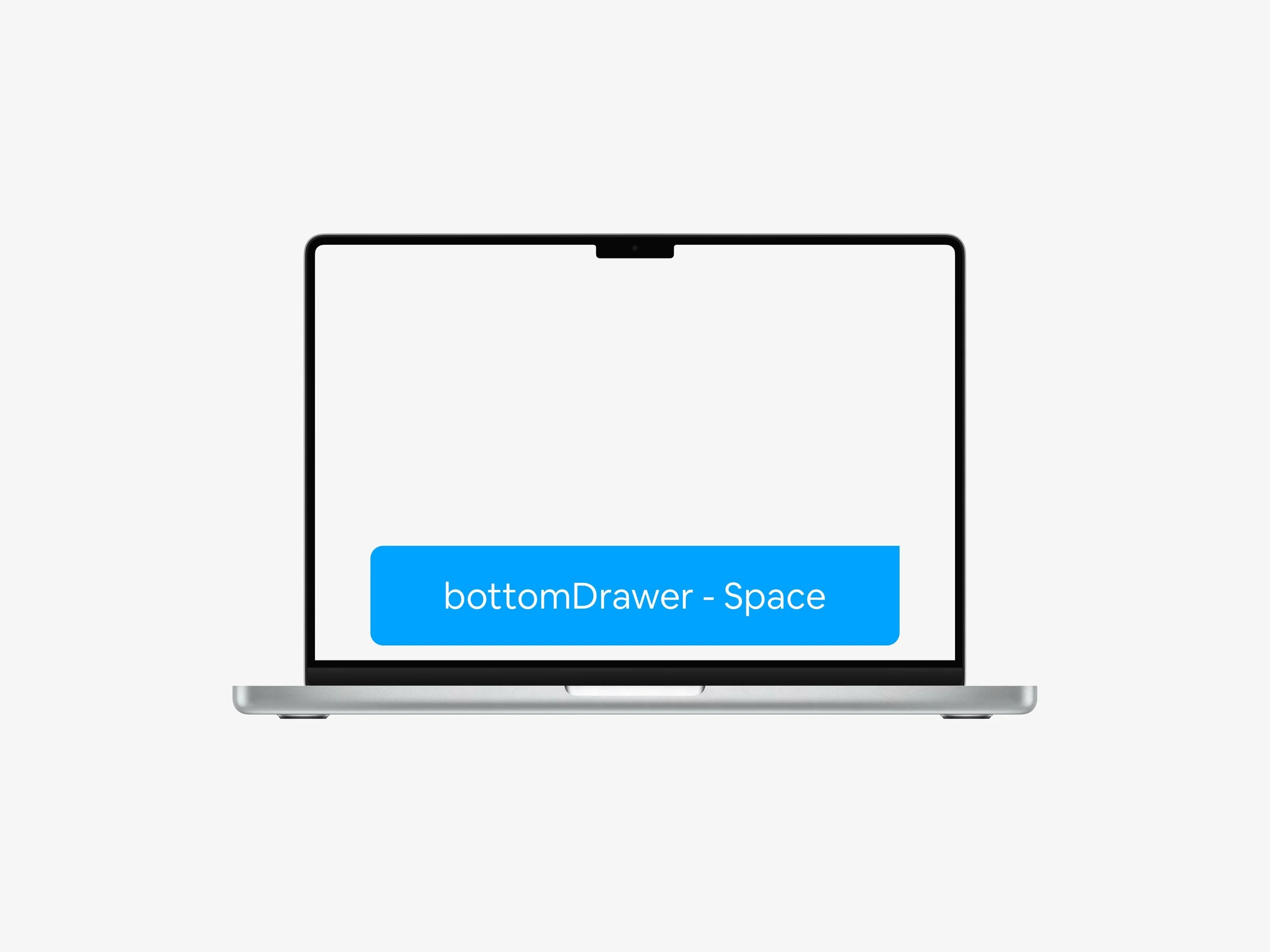
Drawer Bottom - Floating
Have a small drawer slide in from the bottom of your screen
-
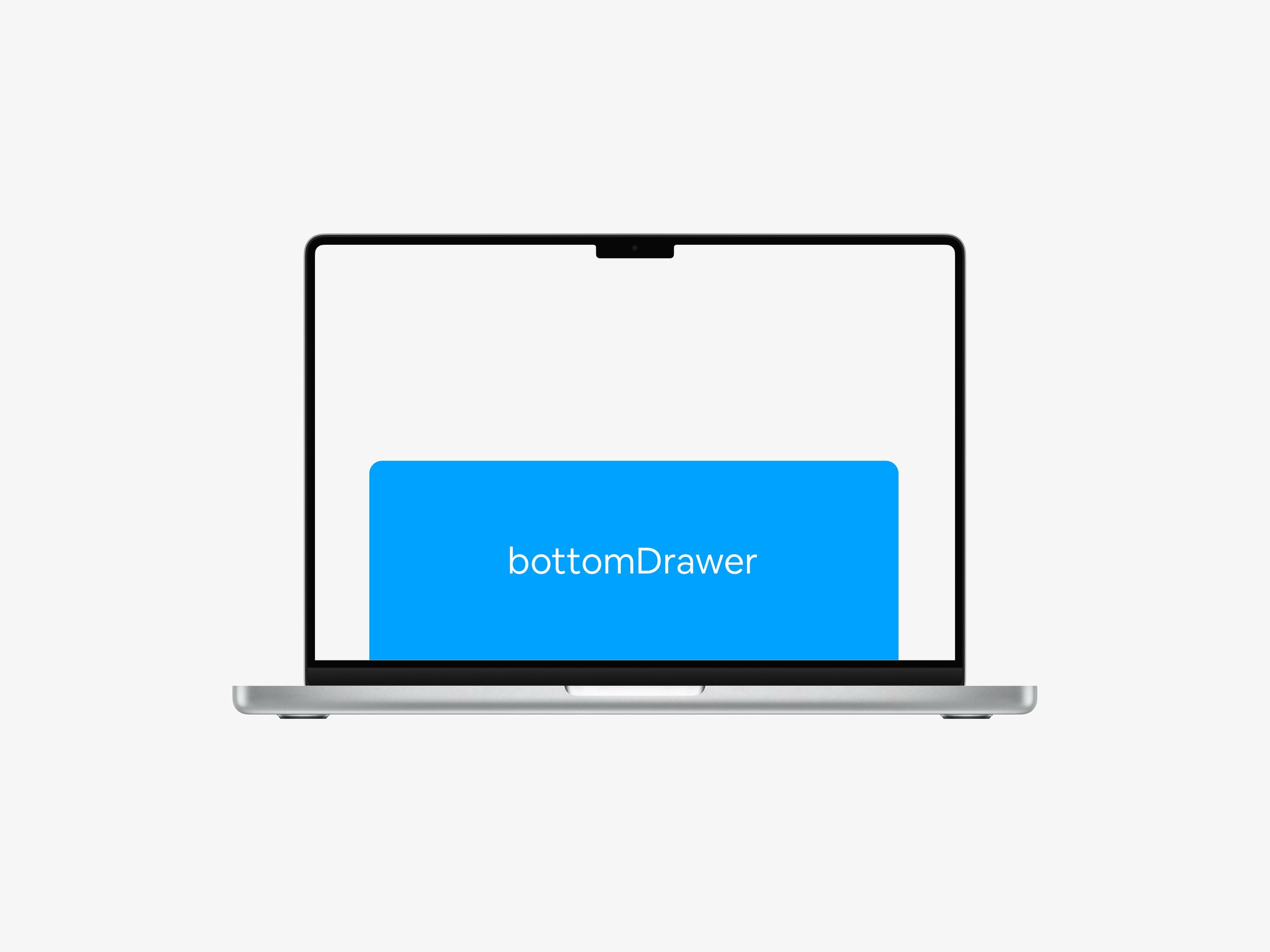
Drawer Bottom - Sticky
Have a sticky drawer slide in from the bottom of your screen
-
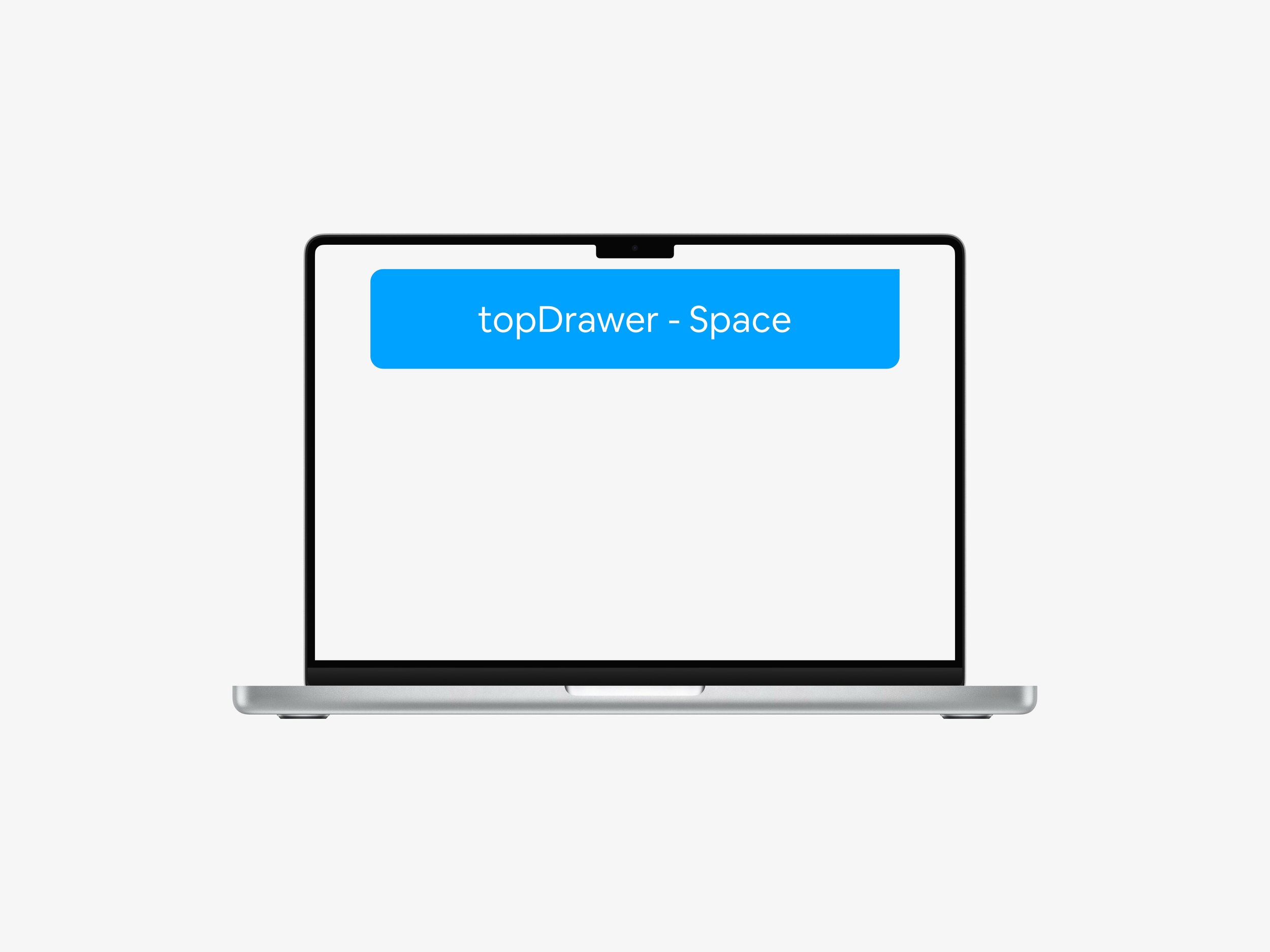
Drawer Top - Floating
Have a small drawer slide in from the top of your screen
-
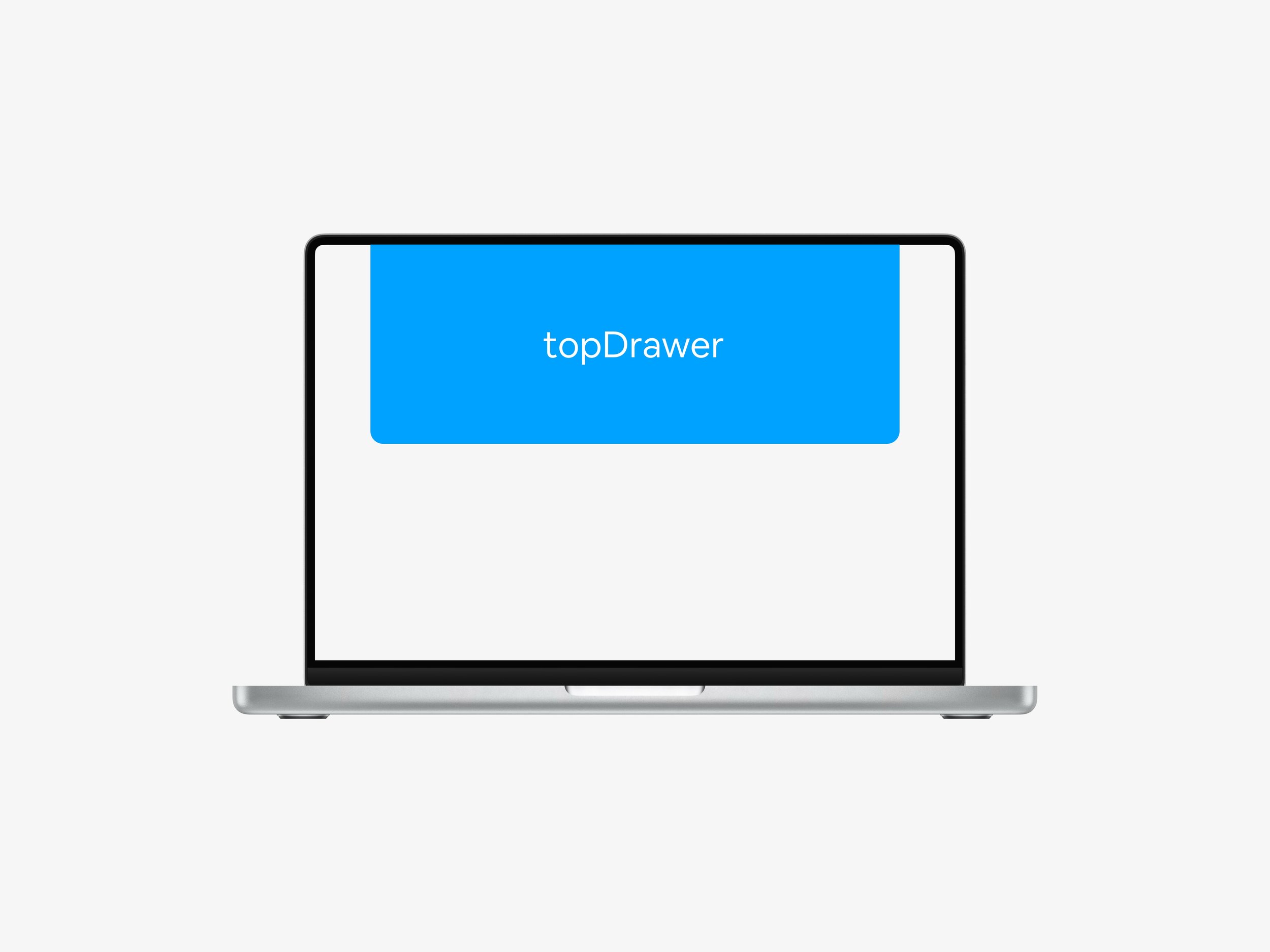
Drawer Top - Sticky
Have a sticky drawer slide in from the top of your screen
-
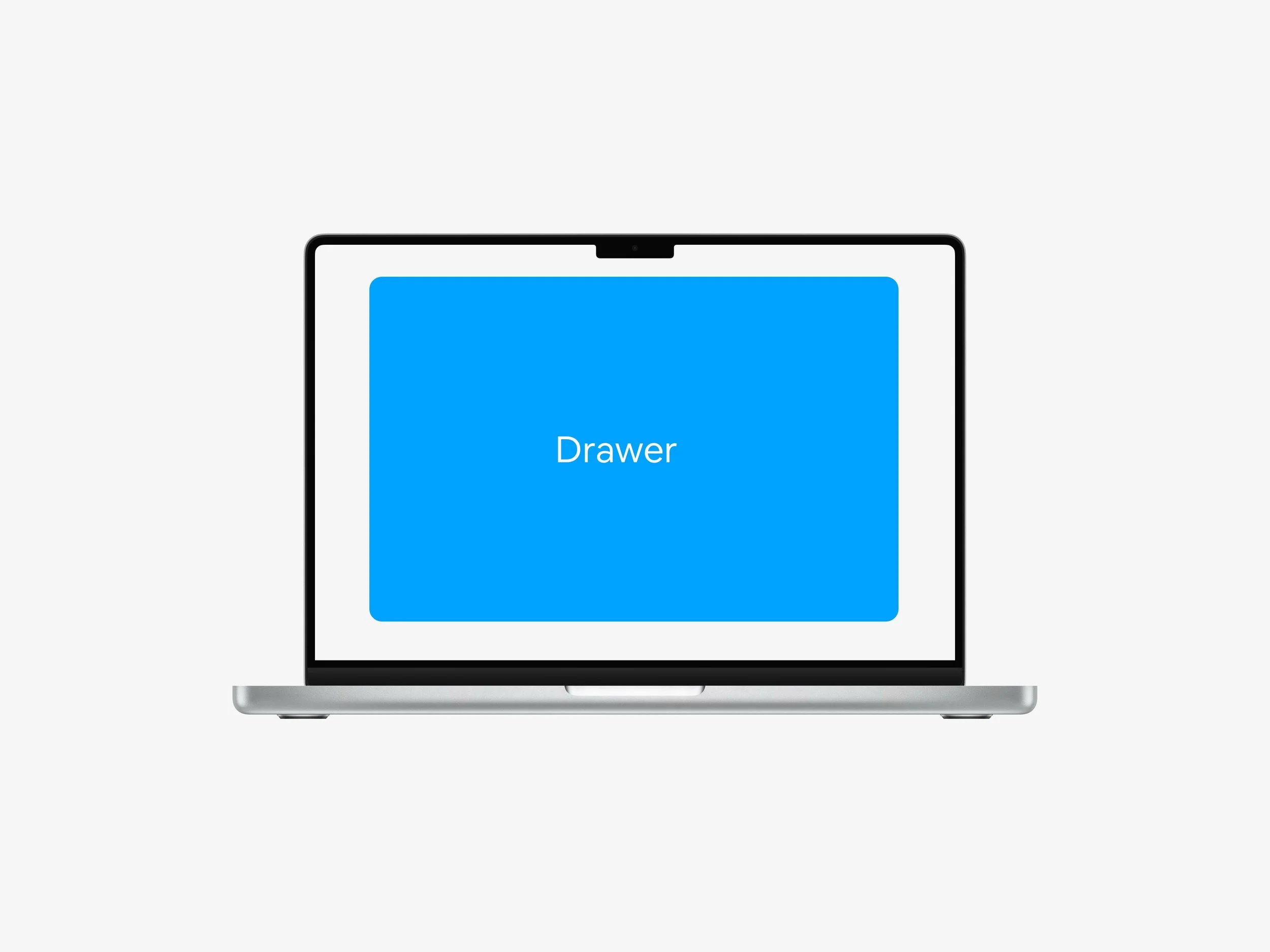
Center Pop-up
Have the content pop-up in the center of the page
-
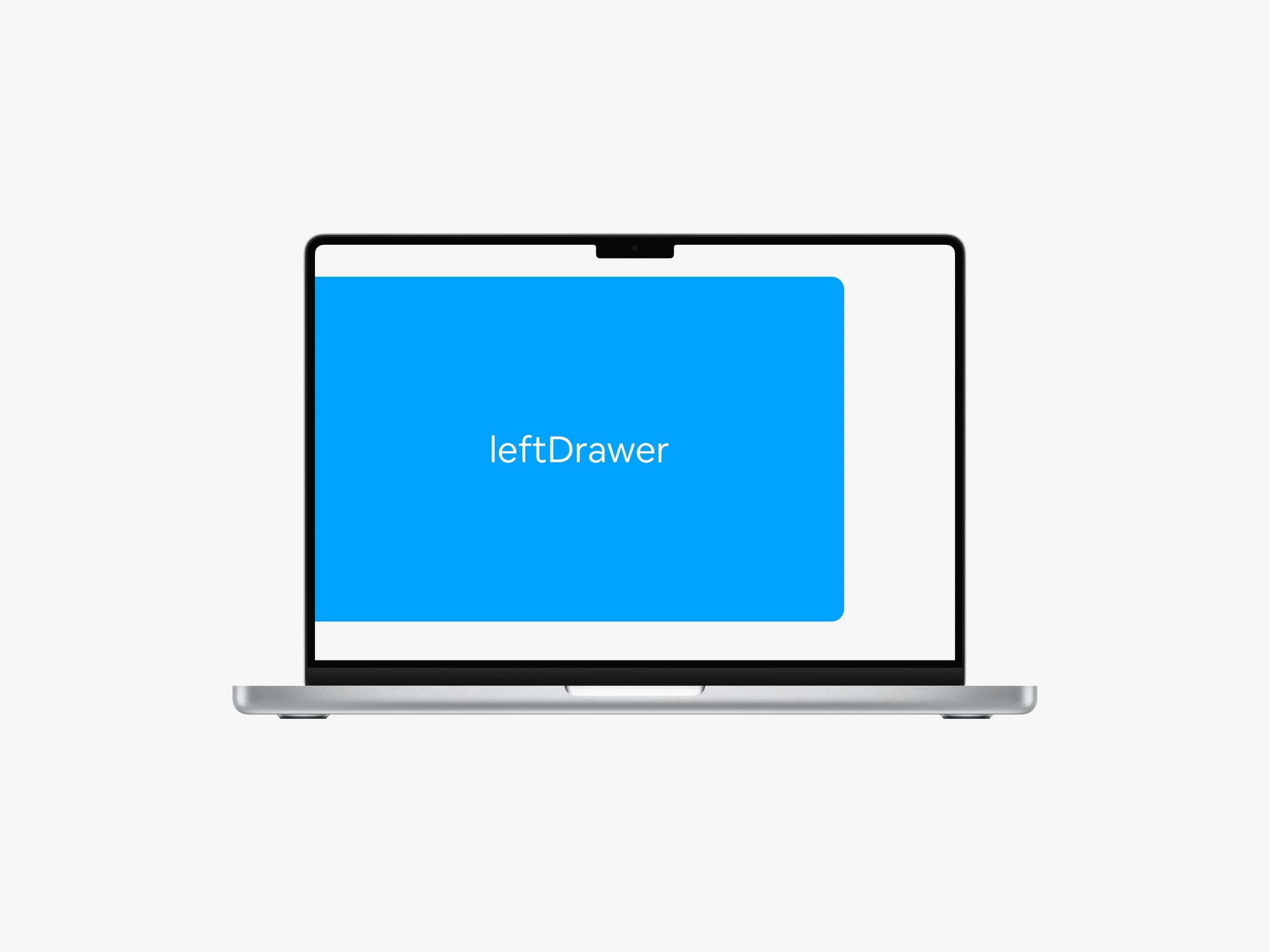
Left Drawer
Have a drawer slide in from the left side of the screen
-
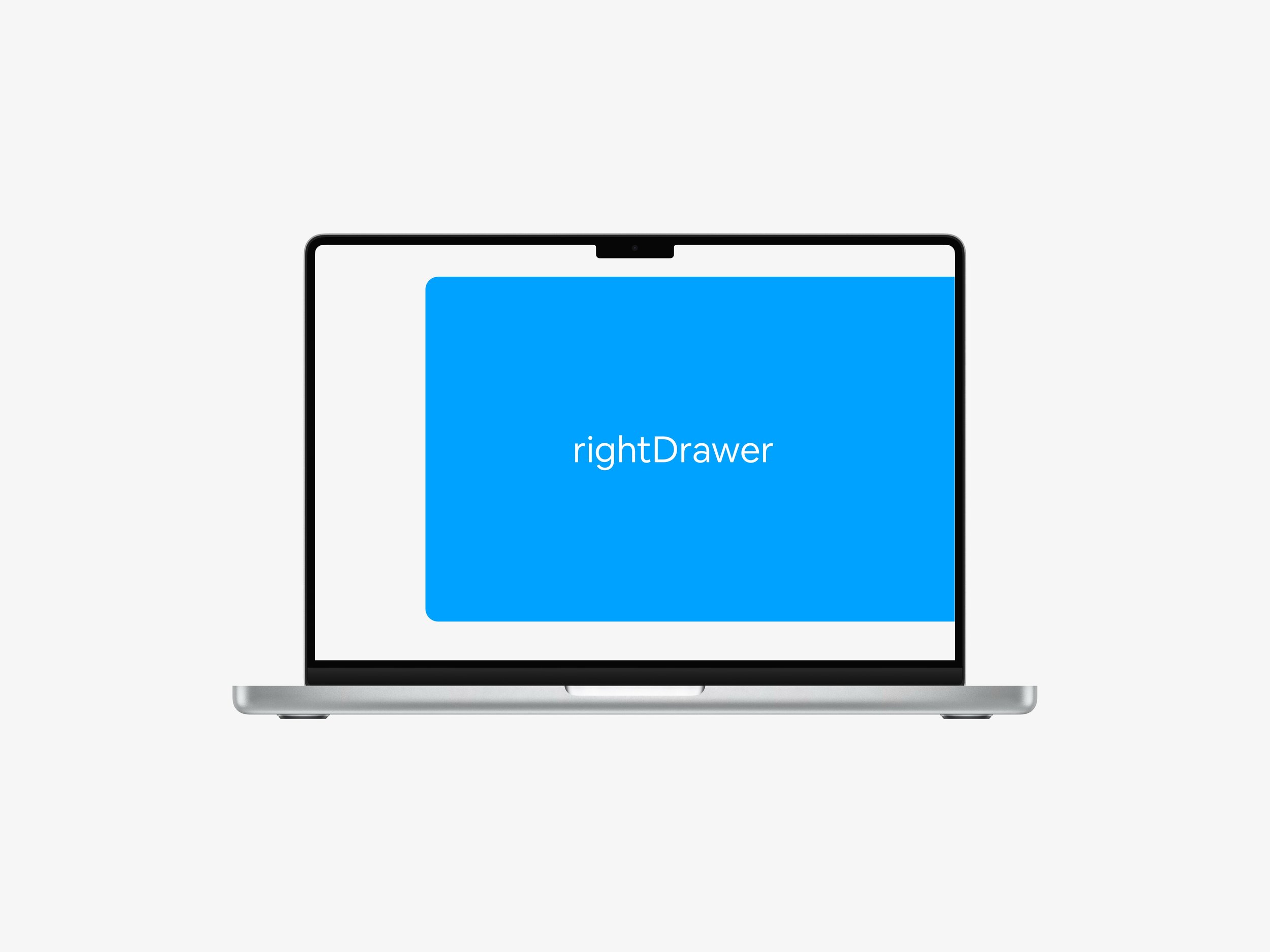
Right Drawer
Have a drawer slide in from the right side of the screen
Customizations
-
Button Design
Custom button text and icon (with left/right positioning)
Full color control (background, text, borders)
iOS-style Liquid Glass effect with backdrop blur (preset)
Adjustable opacity for frosted glass aesthetics
Border radius (pill, rounded, or square)
Custom padding and font size
Entrance animations (Fade, Slide, Bounce, Scale)
Hover effects (scale, lift, icon rotation)
-
Sliders/Pop-up Appearance
Flexible width and height settings (supports px, %, vw, vh)
Customizable backdrop overlay color and opacity
Fully styled close button (size, color, shape)
-
Behavior Controls
Scroll-triggered appearance
ESC key to close
Click outside to close
Multiple instances per page
Section-specific targeting
Inflate or deflate in seconds
Get Updates

Purpose-Built for Trail Runners in All Condition

Reliable warmth. Exceptional breathability. Packable performance.
Nike ACG is introducing the 10-ounce, 700-fill Lava Loft Down Jacket: an innovative layer purpose-built for the outdoor athlete and the unpredictable conditions they find along the trail.
Inspired by the needs of athletes navigating intense, technical terrain in the Dolomites and extreme temperature swings along the Rio Grande, Lava Loft is designed to adapt to the environment, no matter where an athlete runs.

Air Milano is a groundbreaking advancement in adaptive outerwear, combining Nike’s industry-leading Air technology with innovative materials and computational design to provide dynamic warmth so athletes can personalize their thermal control in all conditions. The versatile, lightweight jacket adapts to athlete needs, allowing them to regulate their temperature in real time without changing layers by inflating or deflating air within the jacket’s baffles, offering warmth levels that range from a hoodie to a mid-weight puffer.

Ecofriendly
-
We believe in keeping things simple, smart, and human. Every project starts with listening and ends with something we're proud to share.
-
Integrity, creativity, and empathy shape the way we work. These aren't just words—they’re the foundation of everything we build.
-
What began as a passion project has evolved into something more. We’re proud of where we’ve been and even more excited for what’s ahead. What sets us apart isn’t just our process—it’s the intention behind it. We take time to understand, explore, and create with purpose at every turn.

Fast
It will take 5 minutes or less to get this Squarespace plugin to work.

Easy
A few steps and no additional coding required to create.

Customize
We created several customization options to fine-tune the plugin to your liking!
FAQ’s
Am I allowed to use the plugin on multiple sites?
If you pinky swear not to share it with others and only use it for your development, that is okay with us.
Compatibility/Notes/FAQs:
The plugin only works with 7.1 and is compatible with Fluid Engine
Requires a Business Plan or Higher.
The plugin can be used in the first section, but it might have some limitations based on screen resolutions, so we advise showing the section with the text under the fold and having a section above it set to full height (Large).
Due to the digital nature of this product, refunds are not available.