
Unlock a new level of website engagement with this Squarespace plugin designed exclusively for captivating scroll-driven text animations!
Introducing the 'Text Reveal 2.0' plugin – a game-changer for storytellers and brands aiming for dynamic website experiences. Now, every scroll can unveil your content with one of the eight reveal options, keeping your audience hooked, word after word. Each option has tons of options like:
Only reveal the text on scroll down or on scroll down and up (check that out in the demos below)
Speed of the text reveals
The intensity of each text reveals
Target the Paragraphs + Headers or only Headers
and… You can use any font style, bold, italic, colours, or even custom fonts (as you will see in the second example). Note: Does not work with underlined text!
Note: Typewriter and Scale-up are set to Text Reveal again when you scroll all the way to the top and down again. The others only show that text once. That is a setting!
We recommend reviewing the FAQs below to ensure you understand what can and cannot be done.
Unlock a new level of website engagement with this Squarespace plugin designed exclusively for captivating scroll-driven text animations!
Introducing the 'Text Reveal 2.0' plugin – a game-changer for storytellers and brands aiming for dynamic website experiences. Now, every scroll can unveil your content with one of the eight options, keeping your audience hooked, word after word. Each option has tons of options like:
Only reveal the text on scroll down or on scroll down and up
Speed of the text reveal
The intensity of each text reveals
Target the Paragraphs + Headers or only Headers
And… the ability to use colors, bold or italic and …. custom fonts!
We recommend reviewing the FAQs below to ensure you understand what can and cannot be done.
Keep scrolling on this page…

Character Fade
The classic fade-in effect, where each character gradually appears as you scroll. Customize the fade range to control how quickly characters transition from hidden to visible, and adjust start/end opacity for subtle or dramatic reveals.

Vaporize
Characters materialize from a blurred, vapor-like state into sharp focus. Each letter starts offset downward with heavy blur, then smoothly transitions to its final position. Adjust the fade range to control how quickly the vaporization effect completes for your desired intensity.

Typewriter
Mimics a typewriter effect with each character appearing sequentially. Features a customizable blinking cursor that follows the reveal. Control the cursor character, color, width, and blink speed. The cursor can fade out when typing completes for a polished finish.

Scale Up
Each character starts tiny (10% scale) and grows to full size as you scroll. Creates a dynamic, zoom-in effect that draws attention to your text. The fade range controls how quickly letters scale up, allowing you to fine-tune the dramatic impact of the growth animation.

Rotate In
Letters rotate into view with a 3D flip effect, starting at 90 degrees and rotating to face forward. Creates a card-flip animation that adds depth and dimension to your text.
Adjust the fade range to control rotation speed for subtle or eye-catching perspective effects.

Anvil
Characters drop from above like anvils, featuring a satisfying bounce and squash effect on landing. Letters fall 100 pixels before settling into place with realistic physics. The fade range controls drop speed, letting you create gentle landings or dramatic impacts.

Elastic
Features a springy, iOS-style bounce using cubic-bezier easing. Characters slide in from the left with an overshoot-and-settle motion that feels responsive and playful. Adjust the fade range to control spring intensity, from subtle elasticity to exaggerated bounces.

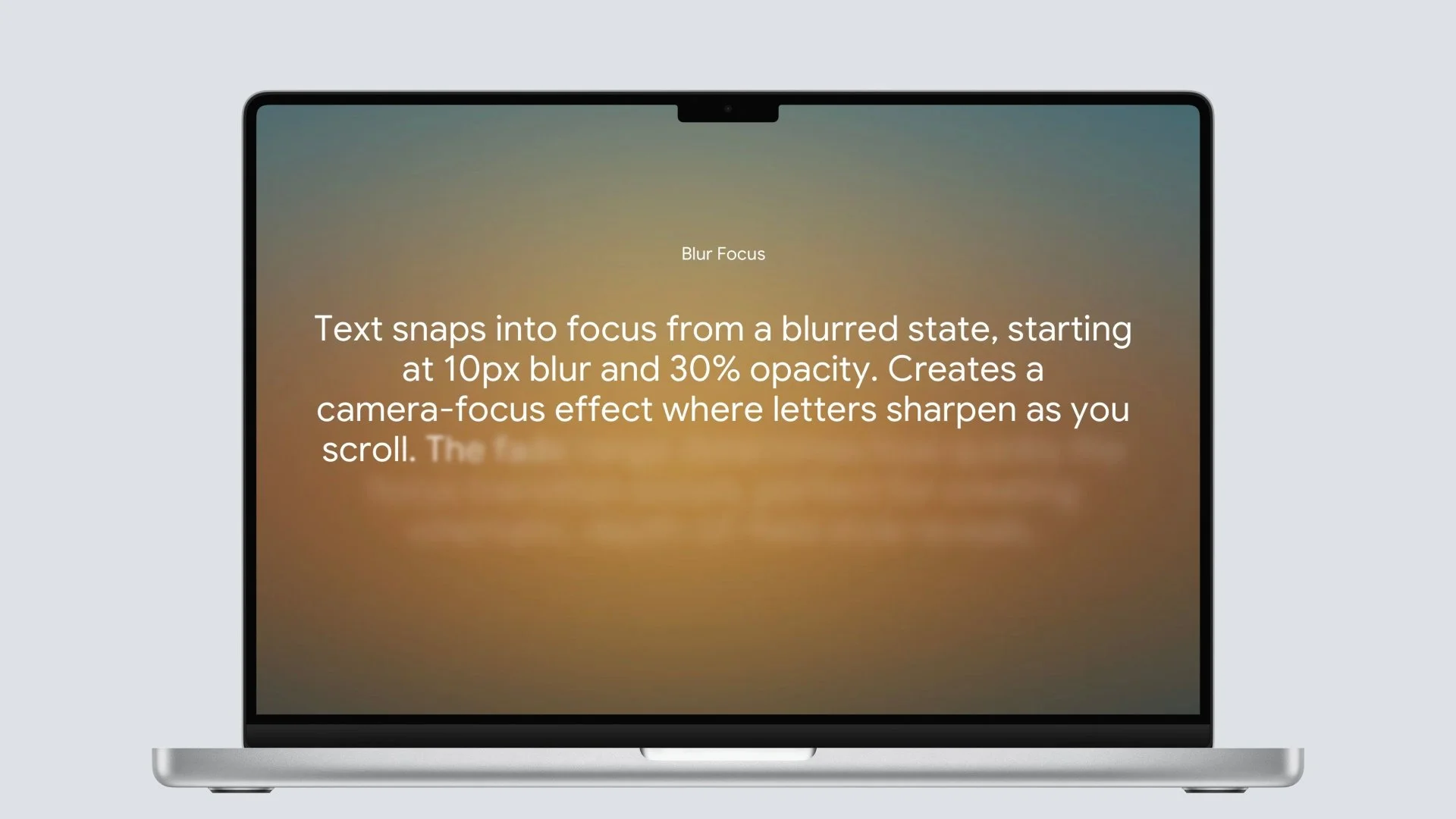
Blur Focus
Text snaps into focus from a blurred state, starting at 10px blur and 30% opacity. Creates a camera-focus effect where letters sharpen as you scroll. The fade range determines how quickly the focus transition occurs, perfect for creating cinematic, depth-of-field style reveals.

Fast
It will take 5 minutes or less to get this Squarespace plugin to work.

Easy
A few steps and no additional coding required to create.

Customize
We created several customization options to fine-tune the plugin to your liking!
FAQ’s
Am I allowed to use the plugin on multiple sites?
If you pinky swear not to share it with others and only use it for your development, that is okay with us.
Compatibility/Notes/FAQs:
The plugin only works with 7.1 and is compatible with Fluid Engine
Requires a Business Plan or Higher.
The plugin can be used in the first section, but it may have limitations at certain screen resolutions, so we recommend displaying the section with the text below the fold.
To optimize the way the plugin works, we automatically set the height of the section to 100vh
If you have text that flows out of your viewport, it will also flow out of your viewport with the plugin and therefore not work as intended
The plugin supports styles such as Bold, Italic, custom fonts, and any colors, but does not support underlined text.
Due to the digital nature of this product, refunds are not available.